Making a Game Boy Emulator – Let’s Play Tetris

Writing a Game Boy emulator is an absolute blast — until it suddenly isn’t.
Tetris has a reputation for being “easy,” but it still threw me a few proper curveballs.

I have written a ZX Spectrum emulator before, which was a good project to start from. It doesn’t need too many chips emulating, and the Z80 CPU is fairly straight-forward to implement.

Fancying another challenge, I picked the Game Boy. It has a CPU partially based on the Z80, but also needs a PPU (graphics chip) and sound chip to emulate.

The first game I wanted to get working – Tetris. This is apparently a popular goal, as a) it’s a good game, b) it’s classic, and c) it fits within 32KB so the ‘cartridge’ doesn’t need any fancy RAM bank switching implemented.

That said, I did have a few stumbling blocks. To save others time, I’ve documented them…

All source code freely available here: https://github.com/deanthecoder/G33kBoy

If you want the quick checklist, skip to the TL;DR at the end
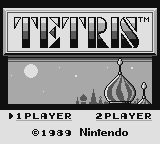
Tetris intro screen

1. 💾 Cartridge ROM Must Be Read-Only

(aka: Tetris Will Cheerfully Eat Its Own Code)

Tetris is a great first ROM because:

  • it fits entirely into 32KB
  • no MBC (bank controller)
  • no bank switching
  • predictable behaviour

Because it’s simple, it’s tempting to map the whole ROM into writable memory starting at address 0000.
This isn’t the whole story.

If your emulator allows writes to the cartridge region, Tetris will happily scribble over its own ROM during startup. The result:

  • corrupted tiles
  • broken backgrounds
  • glitchy sprites
  • behaviour that changes depending on timing

The confusing part is that VRAM looks correct when the game copies tiles… but the source ROM had already been damaged, so you end up copying garbage.

Fun fact: Games sometimes write to “read‑only” regions to detect hardware behaviour — so this isn’t as strange as it sounds.

How do you fix this? Just make any writes to the first 32KB of memory a no-op.


2. 🎮 Joypad Register (FF00) Matters More Than Expected

This one genuinely surprised me.

Tetris reads the joypad status almost immediately after boot.
If your FF00 (JOYP) implementation is even slightly wrong, you don’t get the copyright screen — What I saw:

One flashing horizontal line forever.

Very dull.

  • Implement FF00 as a proper readable register (See PanDocs)
  • Honour the “select buttons” and “select d‑pad” bits

3. 🚀 OAM & DMA — What They Are and Why You Need Them

OAM (Object Attribute Memory) lives at FE00–FE9F.
It holds 40 sprite entries, each containing:

  • X/Y position
  • tile index
  • palette/flip flags

Games update OAM constantly — if this region is wrong, sprites misbehave.

OAM DMA is triggered by writing any value to FF46.
The hardware then copies 160 bytes from <value> * 0x100 into OAM.

Tetris performs this DMA, so you must support it.

A minimal implementation is fine:

  • copy 160 bytes from the chosen page
  • during DMA, CPU can only access HRAM (but Tetris doesn’t rely on this)

Even a very simplified version works reliably for Tetris.


4. 🧠 You Don’t Need a Fully Accurate CPU (But You Do Need a Correct One)

When people say “Tetris breaks on opcode X,” the real culprit is often:

  • a different instruction that sets flags incorrectly
  • PC increment errors
  • broken push/pop logic
  • interrupt timing being slightly off
  • EI/DI behaviour not matching hardware

If your CPU passes the Blargg tests, you’re in great shape.

There are many instructions Tetris doesn’t use (or at least, doesn’t use early on…). I’d recommend running the ROM and adding each instruction your code reports to be ‘unimplemented’.


5. 🔌 Boot ROM Unmapping — Don’t Forget This!

On power‑on, the Game Boy maps a tiny boot ROM at 0000–00FF.
This code:

  • scrolls the NINTENDO logo down the screen
  • verifies the logo bytes stored in the cartridge

When the animation finishes, the CPU writes to FF50, which you need to ensure un-maps the boot ROM and reveals the actual cartridge beneath it.

If you forget this step:

  • the logo comparison fails
  • the game reads incorrect data
  • Tetris won’t boot or displays corrupted graphics

This one is easy to miss.


6. 🖼️ PGM Output — The Simplest Possible Debug Image Format

Before building a full UI, you can dump the framebuffer as a PGM image. Not critical for Tetris, but handy utility code to have.

PGM is dead simple:

P2
160 144
255
<160*144 grayscale values>

It opens in GIMP, Photoshop, ImageMagick, and even some VS Code extensions.
Perfect for debugging early PPU output.

I keep tiny PGM and TGA writers in my helper library:
https://github.com/deanthecoder/DTC.Core


7. 📡 Capturing Blargg Test Output Through a Fake Serial Port

The legendary Blargg CPU tests verify:

  • arithmetic
  • flags
  • timing
  • EI/DI behaviour
  • stack correctness
  • subtle edge cases

These tests output their results through:

  • FF01 — SB (serial buffer)
  • FF02 — SC (serial control)

You can write a tiny SerialDevice that:

  • collects bytes written to SB
  • appends them when SC triggers a transfer
  • exposes the full output string

This lets you run Blargg CPU tests without a PPU, entirely through unit tests.

/// <summary>
/// Minimal bus to allow capturing of serial output, used by the Blargg tests when no PPU is implemented.
/// </summary>
internal class SerialDevice : IMemDevice
{
    public ushort FromAddr => 0xFF01;
    public ushort ToAddr => 0xFF02;

    /// <summary>
    /// Transfer data, Serial Control.
    /// </summary>
    private readonly byte[] m_data = new byte[2];

    private readonly StringBuilder m_output = new StringBuilder();
        
    public string Output => m_output.ToString();
        
    public byte Read8(ushort addr) => 0x00;

    public void Write8(ushort addr, byte value)
    {
        switch (addr)
        {
            case 0xFF01:
                // Transfer data.
                m_data[0] = value;
                return;
            case 0xFF02:
                // Serial Control.
                m_output.Append((char)m_data[0]);
                m_data[1] = 0x01;
                break;
        }
    }
}

⚡ TL;DR — How to Get Tetris Running

You only need part of the system working:

✔ CPU

  • Must pass the individual blargg tests
  • Correct EI behaviour, DAA, flags, signed ops
  • HALT not fully required
  • STOP not needed

✔ Memory

  • Cartridge ROM must be read-only
  • Boot ROM mapped at 0000–00FF until FF50 write
  • No MBC/bank switching required

✔ Joypad (FF00)

  • Must honour select bits
  • Must not default to zero
  • Interrupts optional

✔ DMA

  • Implement OAM DMA (FF46)
  • Simple “copy immediately” version works

✔ PPU

You don’t need cycle accuracy.
Just enough to draw:

  • background tiles
  • basic sprites
  • VBlank interrupt

Use PGM output and the Acid2 test ROM to confirm correctness.

✔ Testing Workflow

  • Run blargg tests via fake serial device
  • Use Acid2 for PPU validation

✔ Common Pitfalls

  • forgetting to unmap boot ROM
  • allowing writes to ROM
  • incorrect flags
  • wrong joypad behaviour

🔗 Useful Links

ZX Speculator: A Cross-Platform ZX Spectrum Emulator

Overview

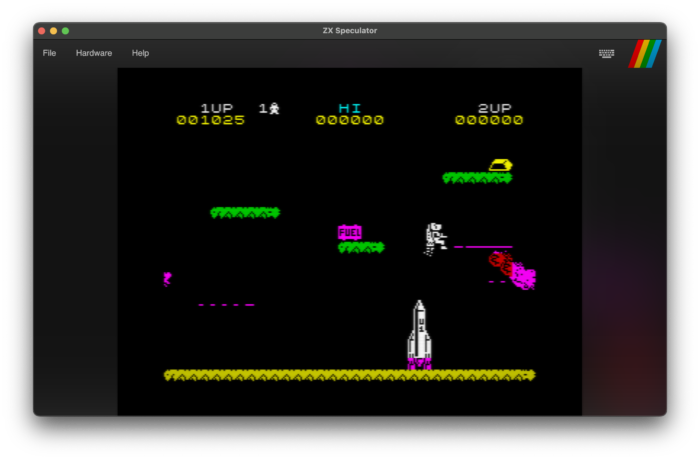
ZX Speculator is a robust, cross-platform ZX Spectrum 48K emulator developed in C#. It’s built using Avalonia for compatibility across various operating systems. The emulator supports a variety of file formats, including .z80, .bin, .scr, .tap, and .sna, and can even load files directly from .zip archives.

Key Features

  • Cross-Platform Compatibility: Ensured by Avalonia.
  • File and Archive Support: Handles multiple ZX Spectrum file formats and .zip archives.
  • Display Options: Includes CRT TV and Ambient Blur effects.
  • Joystick Emulation: Supports Kempston and Cursor joysticks.
  • Sound Emulation: Utilizes OpenAL on Mac and Windows.
  • Integrated Debugger: Features instruction stepping, breakpoints, and instruction history.
  • Rollback Functionality: Allows users to revert to an earlier state using continuous recording.
  • Theming: Customizable Sinclair BASIC ROM with various color schemes and fonts, including ZX Spectrum, BBC Micro, and Commodore 64.

Download and Setup

Users can download the emulator from the releases section. Mac users may need to unblock the application using a specific command. For developers, the source code is available, and the project can be built using a .NET compatible IDE like JetBrains Rider or Visual Studio 2022.

Development and Testing

Developed primarily on a Mac, ZX Speculator is also tested on Windows, ensuring broad compatibility. It successfully passes all ZEXDOC tests and FUSE emulator tests.

Experiments and Contributions

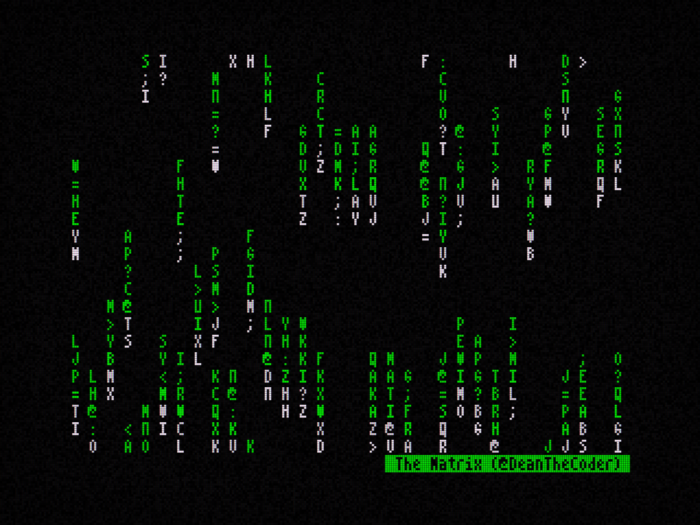
The emulator also includes various experimental projects such as a ray-tracer (No mean feat on a Spectrum!), Conway’s Game of Life, and other graphical effects.

Community and Resources

For more updates, users can follow me on Twitter. Additionally, the README provides useful resources for those interested in ZX Spectrum and Z80 programming.

Personal Journey and Project Inspiration

I’ve been a software developer for most of my life, but it all began with the humble ZX Spectrum 48K. BASIC was a fantastic starting point for coding, especially in those days when you could learn by typing out listings from books and magazines, essentially getting games for (almost) free.

In tribute to those early days, and driven by my interest in emulation, I embarked on creating my own emulator. Thus, the ZX Speculator project was born. My goal was to develop a fully functional 48K emulator that incorporated a few features rarely seen in other emulators—such as the ability to rewind time, a robust debugger, and CRT-like screen effects.

Conclusion

ZX Speculator is a comprehensive and versatile emulator for ZX Spectrum enthusiasts, offering a range of features and customization options. Whether for gaming nostalgia or development purposes, it serves as a powerful tool for exploring the ZX Spectrum ecosystem.

The C# code is freely available.

For more detailed information, visit the ZX Speculator GitHub Repository.

Star Wars: X-Wing from The Force Awakens

GLSL Shadertoy Shader

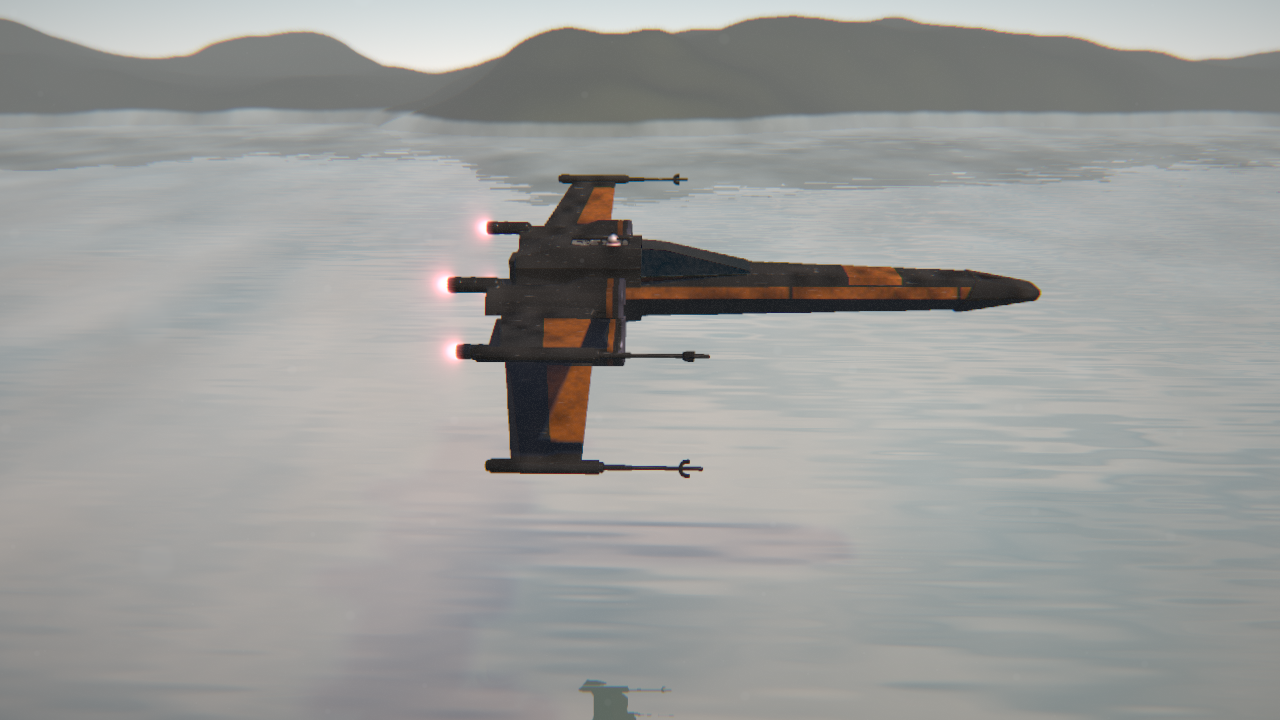
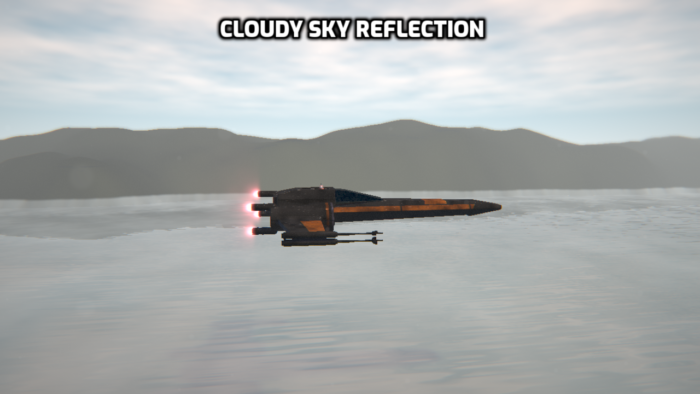
When I first watched The Force Awakens I saw the scene where a group of X-Wings flew down a river, kicking up water spray behind them. And now I’ve created a GLSL shader inspired by it!

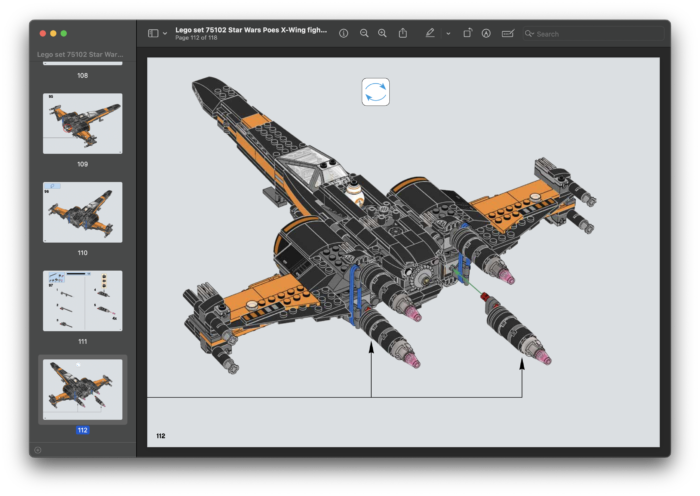
Trying to get the correct scale modelling the X-Wing was initially quite tricky, but then I found the Lego X-Wing build instructions – MUCH better than any schematic! Counting the Lego ‘studs’ gives a very easy to follow guide on the size of each dimension!
I’m definitely going to be using this trick again in the future…

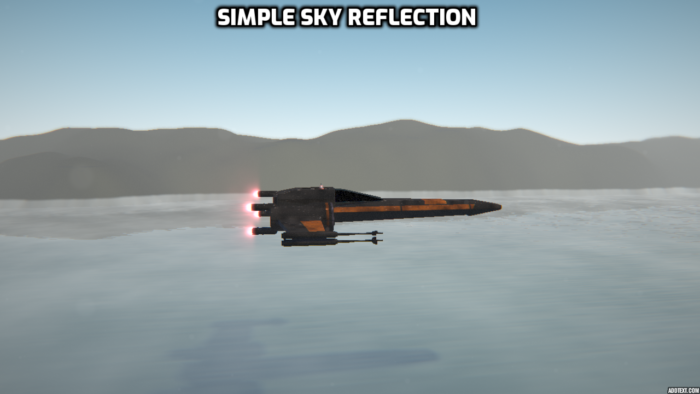
The water surface is simply a flat plane with some ‘bump’ added to the material (Just displacing the X/Z components of the normal). This in itself is quite effective, but adding the reflection of the sky (including atmosphere and clouds) really adds a level of realism.

Note: It would be just as easy to displace the water surface in the SDF function, but that would take longer for the marched ray to converge on the surface, incurring a slight FPS hit.

The mountains in the distance are modelled as a infinite cylinder with a FBM displacement applied to it. I usually model these things as a flat plane with a displacement, but that introduces many rendering artefacts that require shortening the ray marching step size to remove. Modelling as a cylinder reduces these artefacts, and helps keep the performance as high as possible.

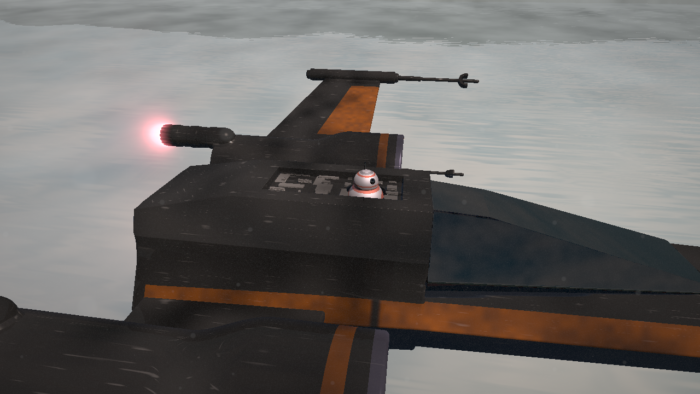
…And of course, I couldn’t miss out BB-8!

The scene uses depth of field, fish eye lens, and chromatic aberration to add some subtle finishing details.

The GLSL shader source can be found here and here.

But Can It Run Crysis?

GLSL Shadertoy Shader

For years now I’ve loved the Crysis games, and so I’ve finally created a small tribute.

The recently release ‘Remastered’ version introduced ray tracing, which really added some impressive detail, especially in reflections. My GLSL version also implements reflections, and is completely procedural – Both the texture and models are generated using math.

These scene uses depth of field, fish eye lens, and chromatic aberration to add some subtle finishing details.

The GLSL shader source can be found here and here.

Revised Reality (Revision 2022 4Kb Graphics Demo)

I’ve been watching graphics demos for many years now, and never thought that one day I’d actually make one myself. But this year I finally plucked up enough courage to create an entry for the awesome Revision 2022 competition.

I figured the best category for me would be ‘4Kb Executable Graphics’. The challenge is to write a single executable in less than 4096 bytes (which is tiny!) which produces a single static image.

To put this into perspective, if you were to take a screenshot of the image it would come in at over 6,000,000 bytes. So the code that creates the image must be over 1,500 times smaller than the image itself!

As frame rate is not a problem here I had to use different techniques to make this image – I actually only get 2 FPS on my machine!
Instead of performance I had to keep in mind code compressibility. That means firstly writing a small amount of code (obviously), and secondly reusing terms so the data compressor can do a better job of compressing.

I came in 8th place, which I’m extremely happy with. It was awesome to compete with such great coders!

The GLSL shader source can be found here.

Demozoo link
Pouët link

GLSL Shader Shrinker

I have been writing a tool over the last few months which will take GLSL shader code and optimize it in a variety of ways.

It can apply a range of changes from simply code reformatting, optimizing maths and function calls, all the way to GOLFing code.

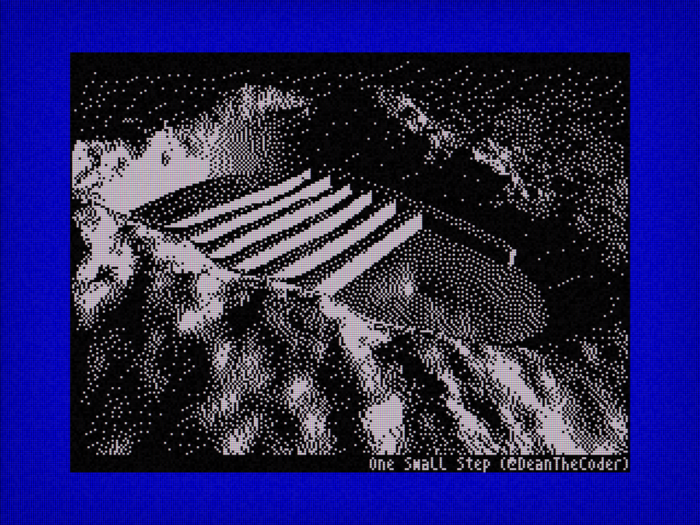
‘Code golf’ is where you make attempts to make the source code as small as possible. Making a tool do this automatically (without breaking the code!) is quite a challenge, but the latest incarnation of my app has got the ‘The Small Step‘ shader code down to a little over 2Kb.

GLSL Shader Shrinker – Feel free to check it out – It’s free!
https://github.com/deanthecoder/GLSLShaderShrinker

Aliens (Scanner scene)

GLSL Shadertoy Shader

Another Aliens-themed shader, motivated by me watching this clip from the movie.

I try to add add something new each time I make a shader, and this time it was the ‘frost’ effect on the cryo pod and the noise in the ‘laser’.

The reflective helmet glass and laser effect were calculated using ray-sphere ray-plane intersections, allowing me to keep the ray-marching loop simple and fast.

The GLSL shader source can be found here.

The Exorcist (1973)

GLSL Shadertoy Shader

This is my first black and white shader, and also the first time I’ve mixed 2D and 3D content.

As ever, in an attempt to keep the code small and frame rate fast I make heavy use of domain repetition. For example, there’s actually only one window pane, and that makes all the windows on both walls!

The man is defined using 2D functions, and has a subtle animation to add some realism.

The GLSL shader source can be found here.

Happy New Year!

Innerspace (1989)

GLSL Shadertoy Shader

I challenge anyone to not like the Innerspace movie!

There’s a lot of new (to me) lighting effects in this shader. The headlights of the ‘pod’ are light cones with analytically solved ray start/end points, used to calculate the amount of ‘glow’ to apply.

I also make heavy use of domain repetition (where you use math to ‘duplicate’ regions of space) to make a whole stream of blood cells using only three modelled originals.

This is one of my longer shaders, running in at just under a minute.

The GLSL shader source can be found here.